Counter
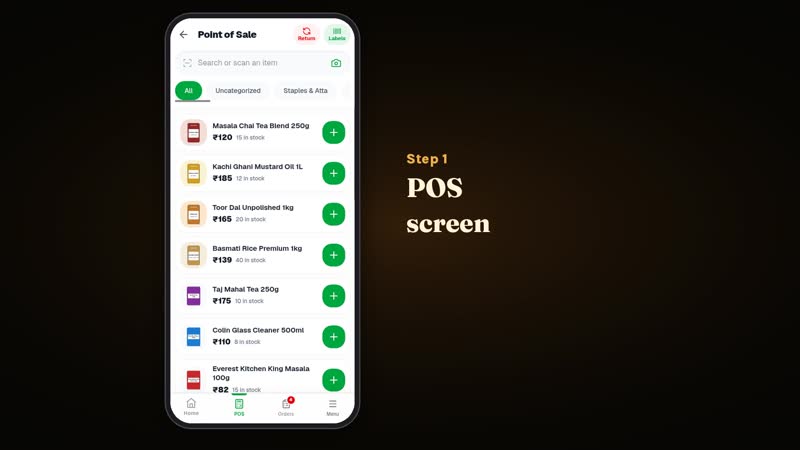
Web POS, split tenders, returns, tills, labels, margin guard, offline cache.
Software for one shop
Bill at the counter, keep stock and khata true, and take orders from regulars who already know your shop. Delivery stays with you. No mall, no rider fleet, no feed of other shops.
Watch the tutorials YouTube channel ↗ Shop login
01 — Two doors
You run the shop. Your customers open the shop they already know and order. Both sides share catalogue, price, stock, credit, offers, and order status.
Counter, purchases, stock, khata, incoming orders, offers, staff, and reports — on phone or till.
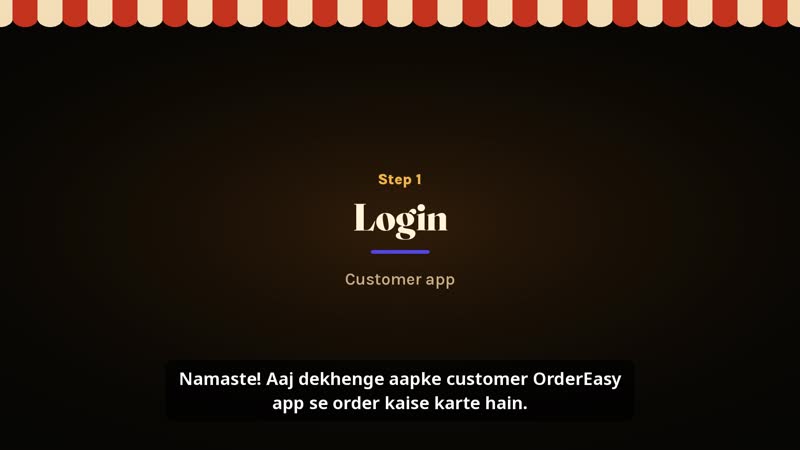
See the shop OS → customer.ordereasy.winPick your shop, browse its catalogue, pay the way the shop accepts, watch the order, talk to the counter.
See the customer app →02 — The counter
The full POS runs in your phone’s browser, no billing machine needed. Scan with the camera, add an unknown barcode on the spot, and close the bill in cash, UPI, khata, or split. The POS shows a UPI QR for the exact amount.
Read the launch announcement → · Step-by-step billing guide →
03 — Inside the shop OS
Web POS, split tenders, returns, tills, labels, margin guard, offline cache.
Pack sizes, batches with expiry, write-off, low-stock and expiry alerts.
Suppliers, purchase orders, supplier khata, and a photo of the paper bill on the purchase.
POS and app orders in one inbox, pickup or shop delivery, UPI, cash or credit.
Khata with limits, rewards with OTP redeem, offers, SMS campaigns.
Journals, shop P&L, bank match, bill-wise khata.
04 — Learn it in minutes
Ten short videos on the OrderEasy YouTube channel, from signing up your shop to billing, khata, and orders.
05 — What this is not
Logistics, timings, and who carries the bag stay with the shop. A shop may flag that it offers delivery and assign its own person. That is the shop’s bag, not a gig network.
06 — Straight answers
No. A customer picks one shop they already know. There is no feed of other shops.
No. Delivery, pickup, and timings stay with the shop. OrderEasy tracks the order; it does not run riders.
They can open customer.ordereasy.win in the browser (PWA) or use the Android app. Same shop, same catalogue.
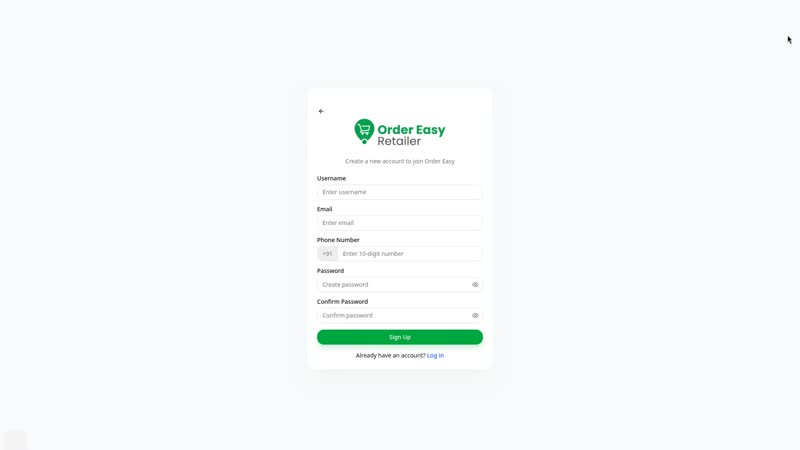
Register at retailer.ordereasy.win/signup with your mobile number and email, then add your store and products. Your shop shows in the customer app after the OrderEasy team verifies it. It is free to start, and a small fee may come later. Read the announcement.
Shop: retailer.ordereasy.win. Orders: customer.ordereasy.win. This site is the front door, not the product.
More answers in the full FAQ, and step-by-step guides on billing from your phone, digital khata, stock and expiry and online orders for your shop.
Registrations are open
Free to start. Not sure where to begin? The tutorials walk you through it.